
Start in language
Describe the site like you would to a thoughtful designer. References and store context sharpen the direction.
ThemeFlow understands the store you already have, composes a more distinctive storefront, and keeps every change on an unpublished theme until you decide to ship.
Your brief stays out of the URL and will be ready in your first project.
ThemeFlow reasons over products, brand context, layout, copy, Liquid, schema, and conversion paths together. You can inspect every change and keep refining in natural language.
themeflow.xyz / build / studio-noma
Private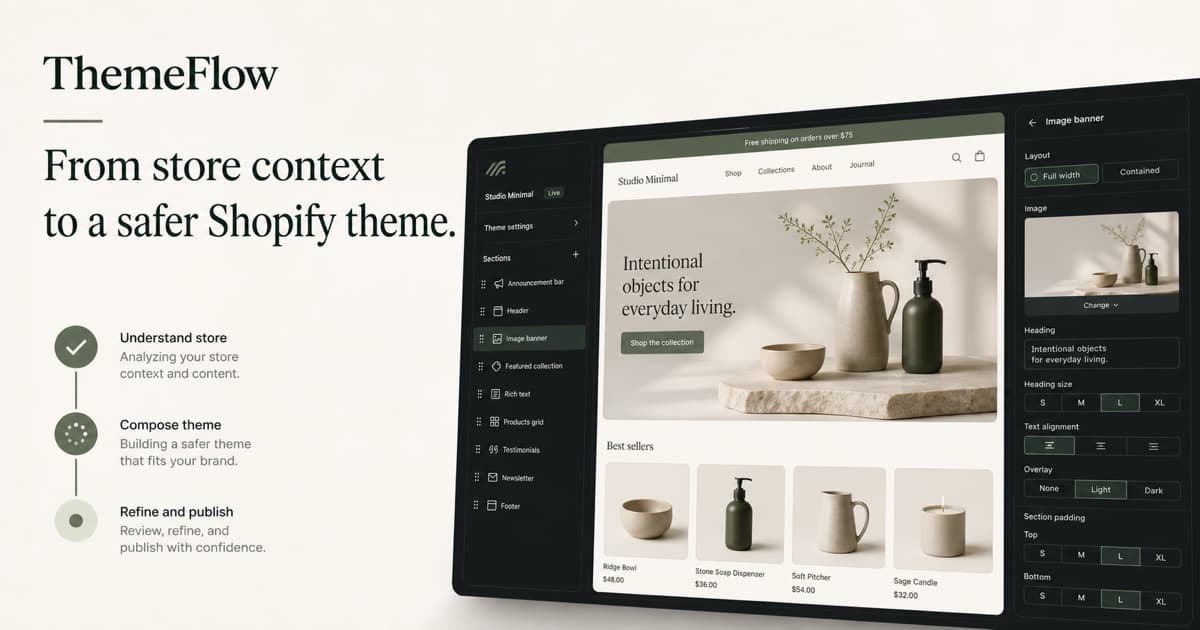
Make the product story feel warmer and more editorial.
Describe the site like you would to a thoughtful designer. References and store context sharpen the direction.
Follow the plan, inspect changed files, select any section, and refine only what you mean to change.
Validate structure and Shopify schema, preview an unpublished theme, and publish only when it is ready.

ThemeFlow explores a visual system around your products and audience, then turns the chosen direction into editable sections—not a flattened mockup.
The best storefront is not generated from a moodboard alone. ThemeFlow starts with the catalog, customer promise, existing structure, and what already makes the business recognizable.
Catalog, collections, brand cues, navigation, theme structure, policies, and storefront context—normalized around the merchant.
ThemeFlow plans the work, routes each task to the right model, and builds modular Liquid, JSON, CSS, and schema.
Every version passes structural and safety checks, then lands on an unpublished theme. Publishing stays an explicit decision.
Each workspace is isolated. Shopify access is encrypted, provider credentials stay on the server, and every generated storefront begins as a private draft that only you can publish.
Free gives you one protected first build. Stripe confirms paid allowances, while project, build, and credit caps remain enforced server-side.
No. Generated files are validated and written to a duplicated, unpublished theme first. Publishing requires a separate owner-confirmed action.
Yes. ThemeFlow produces Online Store 2.0 sections and schema settings designed to remain merchant-editable in Shopify's theme editor.
Your plan sets a server-enforced build level. Free uses efficient models with an 8K output ceiling, Studio uses deeper Kimi and fast OpenAI routing up to 14K, and Pro uses the configured premium OpenAI model with up to 20K output tokens. Every level retains explicit fallback paths.
Only context needed to generate and version the storefront. Tenant boundaries, retention points, export, and deletion are first-class parts of the architecture.